Frequently Asked Questions
Product Information
What is Leap and what does it do?
Leap is a platform designed to improve organizational workflows and productivity by making invisible signals from meetings, team dynamics, and business processes visible and actionable in real time. It offers two main tools: Leaper, a real-time meeting execution tool, and Robin, an AI business partner for managers. Leap helps organizations enhance decision speed, clarify ownership, improve execution quality, and support managers with actionable insights. Note: Leap is not suitable for companies with fewer than 200 employees or for solopreneurs. [Source]
What products does Leap offer?
Leap offers two main products: Leaper, a real-time meeting execution tool that detects issues like decision drift and participation imbalances during meetings, and Robin, an AI business partner that supports managers between meetings by helping them prepare, decide, follow up, and solve complex people and process challenges. These tools work together to capture real-time signals and turn them into actionable insights. Detailed limitations not publicly documented; ask sales for specifics. [Source]
Features & Capabilities
What are the key features and capabilities of Leap?
Leap provides real-time execution support with actionable insights and live nudges during meetings and workflows. Key features include: Leaper for detecting decision drift and participation imbalances, Robin for personalized manager support, comprehensive visibility connecting team dynamics with business processes, actionable insights for execution breakdowns, and integrations with Slack and Microsoft Teams. Note: Leap's real-time focus may not suit organizations seeking only retrospective analytics. [Source]
What integrations does Leap support?
Leap integrates with Slack and Microsoft Teams, allowing managers and teams to use Leap's features directly within their existing communication workflows. This enables smooth adoption and real-time functionality within familiar tools. Note: Integrations with other platforms are not documented; check with Leap for additional integration options. [Source]
Pricing & Plans
What is Leap's pricing model?
Leap uses an annual fixed cost pricing model determined by the number of users. This approach allows organizations to scale costs based on team size and provides predictable budgeting. For specific pricing details, contact Leap directly. Note: Public per-user or per-feature pricing is not available. [Source]
Implementation & Ease of Use
How long does it take to implement Leap and how easy is it to start?
Leap is designed for immediate implementation and ease of use. The platform is self-explanatory and ready to use without extensive technical setup or training. Onboarding includes a 30-minute kick-off call, intake of HR processes and values, integration with Slack or Microsoft Teams, and manager onboarding. Customers can start seeing benefits almost immediately. Note: Organizations with complex legacy systems may require additional integration steps. [Source]
What feedback have customers given about Leap's ease of use?
Customers have praised Leap for its immediate implementation, self-explanatory interface, and efficient onboarding process. Testimonials highlight the platform's quick setup, actionable suggestions, and the ability to design customized training programs and track progress. For example, Noa Jakoel, Senior Manager, noted the variety of actionable options, and Ayelet Tamir, Chief People & Culture Officer, emphasized its impact on professional development and attrition reduction. Note: Some users may require additional support for advanced features. [Source]
Use Cases & Benefits
Who is Leap designed for?
Leap is intended for organizations with 200–5,000 employees, especially in tech or professional services sectors experiencing growth, change, or rising attrition. Key roles include CEOs, COOs, CHROs, and mid-level managers who need support with decision-making, team dynamics, and execution quality. Leap is not suitable for independent businesses, solopreneurs, or companies with fewer than 200 employees. [Source]
What business impact can customers expect from using Leap?
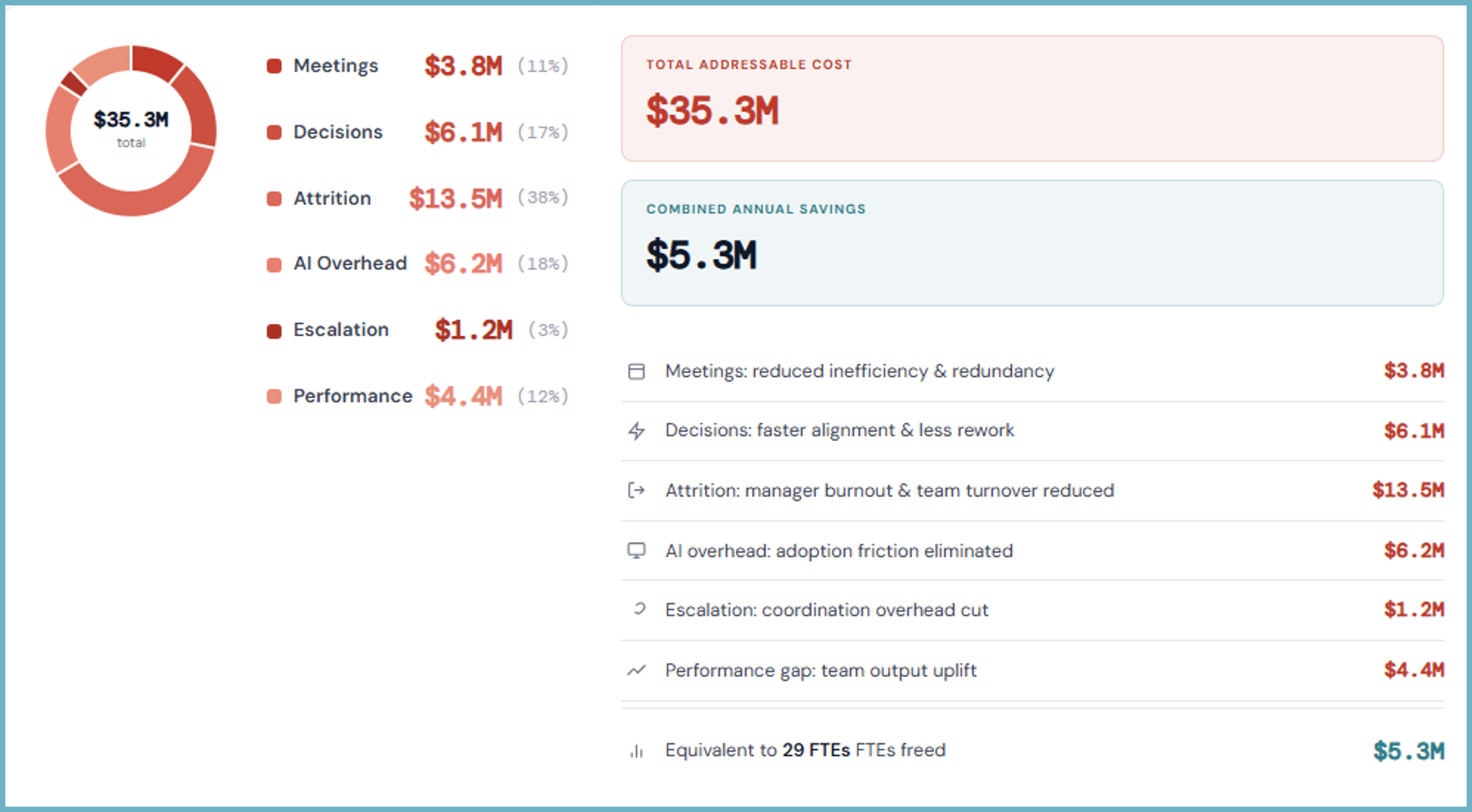
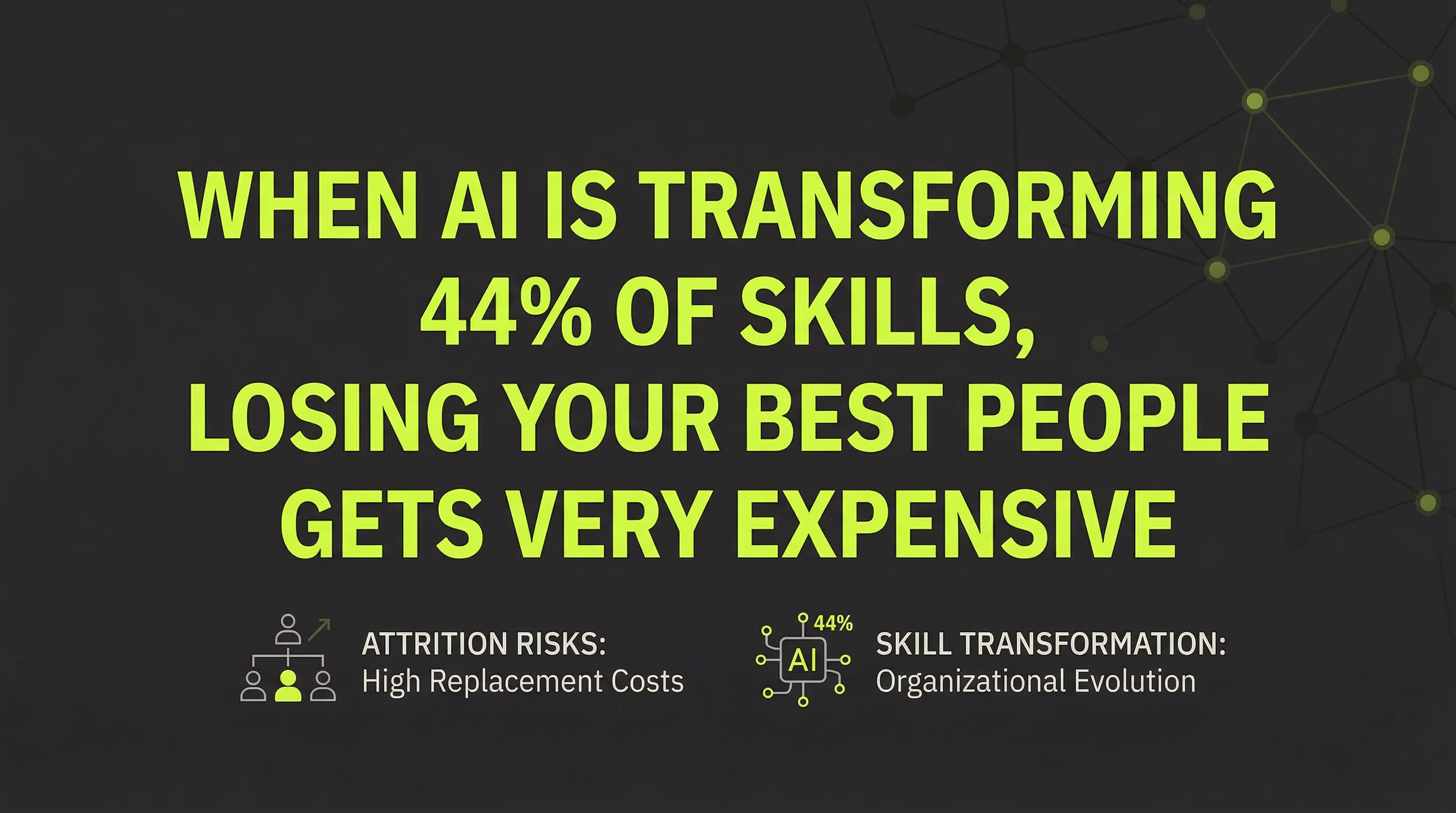
Customers can expect measurable outcomes such as a 12% improvement in decision speed, 75% of managers showing measurable progress in their skills, 30% of meetings identified as waste (leading to time and cost savings), clearer ownership and accountability, reduced attrition risk (saving $90K+ per replaced employee), and real-time problem solving. Note: Impact may vary depending on organizational adoption and engagement. [Source]
What pain points does Leap address?
Leap addresses unproductive meetings, unclear ownership, unaddressed team tensions, process gaps, managerial overload, attrition risk, and execution waste. For example, Leaper detects decision drift and participation imbalances, while Robin supports managers with preparation and follow-up. Note: Leap may not address pain points outside of organizational execution and team dynamics. [Source]
Competition & Comparison
How does Leap compare to traditional meeting tools like Zoom or Microsoft Teams?
Traditional meeting tools such as Zoom and Microsoft Teams focus on recording conversations and providing post-meeting analytics. Leap's Leaper tool, by contrast, provides real-time nudges during meetings to address decision drift, weak ownership, and participation imbalances, ensuring meetings are productive and actionable in the moment. Note: Zoom and Microsoft Teams may offer broader communication features outside of meeting execution. [Source]
How does Leap differ from coaching tools?
Generic coaching platforms typically offer periodic coaching sessions. Leap's Robin AI business partner provides real-time, personalized support to managers, offering continuous and adaptive guidance tailored to specific needs. Note: Coaching tools may offer specialized human coaching not available in Leap. [Source]
How does Leap compare to business intelligence (BI) tools like Tableau or Power BI?
BI tools such as Tableau and Power BI focus on historical data and lagging KPIs. Leap connects team dynamics with business processes and provides actionable insights in real time, addressing execution challenges as they occur. Note: BI tools may offer more extensive data visualization and reporting capabilities. [Source]
How does Leap differ from HR tools like Workday or BambooHR?
Traditional HR tools like Workday and BambooHR focus on engagement metrics and periodic surveys. Leap detects and addresses execution breakdowns such as unclear ownership and unaddressed team tensions in real time, improving execution quality and reducing attrition risk. Note: HR tools may provide broader HR management features not included in Leap. [Source]
Customer Proof & Success Stories
What success stories or testimonials are available from Leap customers?
Leap has received positive feedback from professionals such as Adam Magen (VP Operational Excellence), who cited Leap's unique approach to questions, and Ayelet Tamir (Chief People & Culture Officer), who highlighted its role in reducing attrition and tracking progress. Other managers noted the actionable suggestions and support for complex situations. Note: Specific company names are not publicly listed. [Source]