Is Not Improving How Work Actually Gets Done
What are the top 3 behaviors and capabilities managers need to excel at today? Risk taking, connecting the dotts and bottom-up process - the new king.
In this post, I’ll focus on risk. In the coming days, I’ll share my thoughts on the other two – one at a time.
Risk – but not the way corporates usually define it. Corporates are built to reduce risk. Clear processes, approval paths, and controls – all designed to prevent mistakes. So when we say managers need to take risks, the immediate reaction is: Why would we do that? You don’t take risks unless there is a much bigger opportunity on the other side. So what is the opportunity? Efficiency and effectiveness of work processes. At first glance, that sounds like an opportunity for the organization – not for the manager. So why should a manager take the risk?
Why risk has become a managerial skill – not a personality trait. AI implementation introduces something most managers were never trained for: persistent ambiguity. There is no single “right way” to implement AI in workflows. No proven best practice. No clear sequence that guarantees success. For many managers, this creates a natural response: wait and see. Let others experiment. Let early adopters fail or succeed. Learn from them later. This strategy used to make sense. In stable environments, waiting reduced risk. In slow-moving change cycles, following was often safer than leading. But this logic no longer holds.
The real risk (for managers) has shifted. While managers wait: workflows stay unchanged, teams build habits around old processes and opportunities to learn-by-doing disappear. The risk for the organization is obvious. No progress, loss of time against competitors. From a manager’s angle - the real risk today is not the cost of potential mistakes when implementing AI. The real risk is losing relevance. Managers will soon be asked a different question: What changed because of your decisions? Those who waited will have intentions. Those who acted will have evidence.
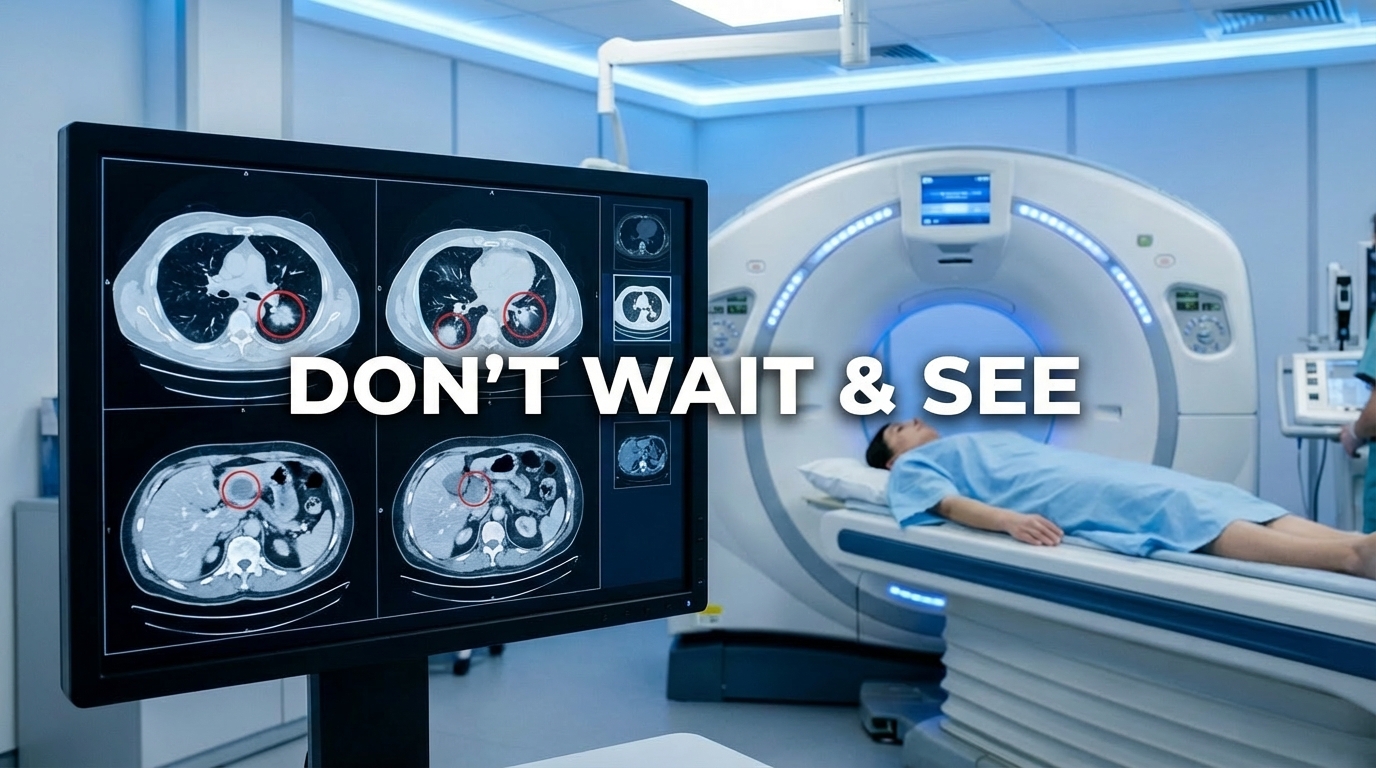
The real risk (for corporates) - A CT scan of organizations today. When you look closely at organizations – not from strategy decks, but from daily work – a clear pattern emerges. Most managers are not avoiding AI. They are avoiding changing workflows. The CT scan usually shows: pilots that don’t translate into operational change, experimentation without ownership, good intentions that never harden into new ways of working. Nothing looks broken on the surface. But underneath, the same processes keep running the same way. This is where risk actually lives. Not in trying and failing. But in postponing improvement until it becomes an expectation rather than an advantage.
So how do you (corporates and managers) take the right kind of risk? You need to define the rules of the game. In practice, the managers who manage risk well don’t behave differently - they design their environment differently. They build the culture of change, they combine agents and AI tools aside to an on-the-job reflection to impact workflows and daily work. The combination of continuous improvements and emotional reflection is the way to support this change.
3 structural signals we see where continuous improvement actually happens
First layer - Democratization of AI agents. Give everyone the opportunity to touch and work with AI - not just to “talk to ChatGPT”. Every employee should be able to experiment with agents. Every meaningful workflow should have at least one AI touchpoint. The goal is not experimentation for its own sake, but improving how work actually gets done. Employees and managers who identify pain points start the new journey of continues improvement by AI and learn the new language.
Second layer - Approval processes that enable. Set approval processes that exist to move things forward - not to kill ideas. The mindset shift is subtle but critical: focus on how something can be done safely, not on why it isn’t good enough.
Third layer - Tools and clear company guidelines. Provide the structure people need in order to succeed: tools, boundaries, guidelines and support. So experimentation doesn’t stay chaotic - it turns into execution.
The risk is not the mistakes. The risk is the absence of experimentation and improvement. This current phase - where ambiguity is accepted and learning-by-doing is legitimate - will not last. Soon, improving workflows will no longer be a differentiator. It will be an expectation. Managers who used this period to turn intent into visible improvement will have a clear story to tell. Those who didn’t will discover that good intentions are no longer enough to prove relevance. That quiet gap - between intention and evidence - is where managerial careers will increasingly be decided.
I’m curious:
Where do you see the biggest gap today between what your team could improve – and what you actually allow them to experiment with?